Permission-based unlocks
Decide exactly which residents, co-hosts, or staff members can unlock the entrance remotely.
Open the door from your phone, define who is allowed to unlock, and keep a record of every entry event on top of your existing buzzer system.


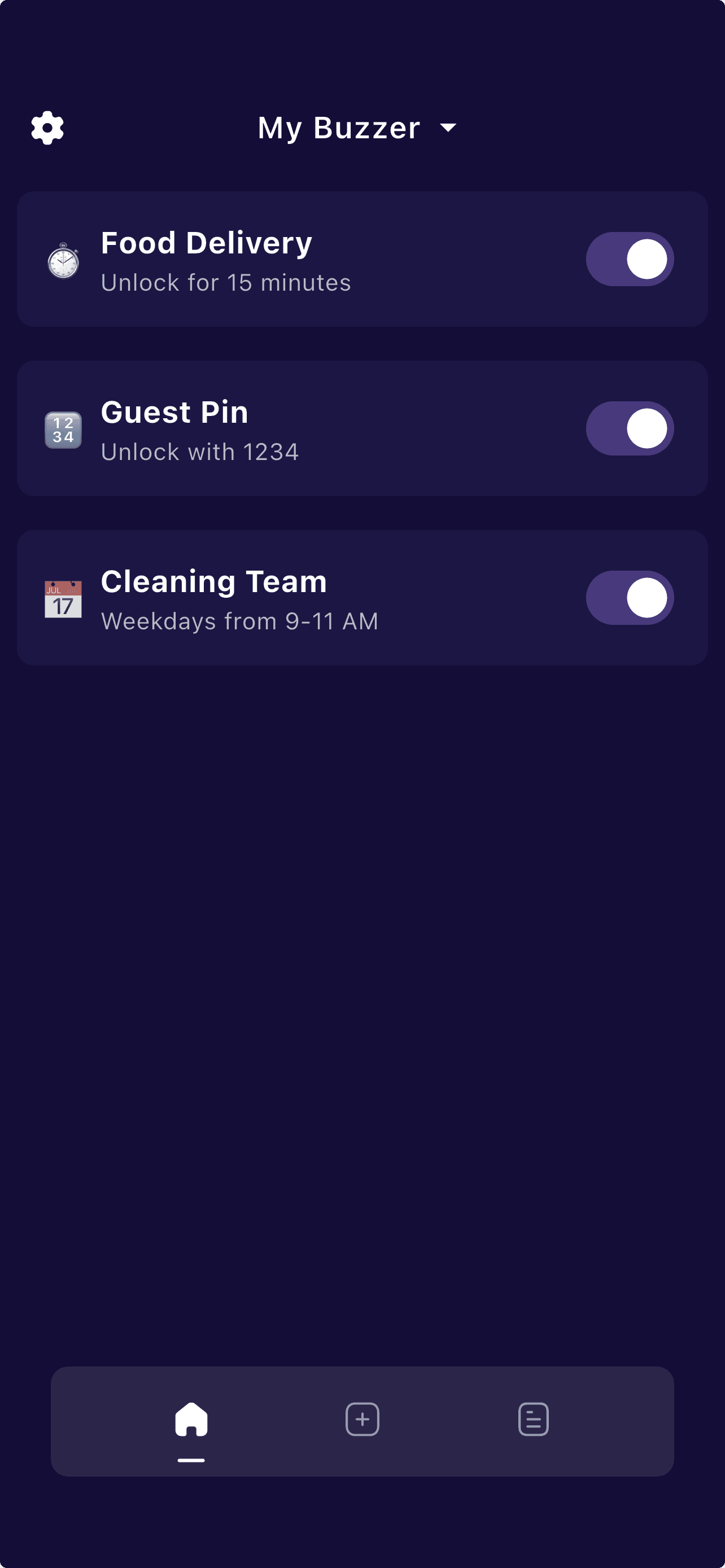
Protobuzz adds remote unlock workflows to existing phone-based buzzer systems, so buildings can modernize entry approvals without replacing hardware.
Decide exactly which residents, co-hosts, or staff members can unlock the entrance remotely.
Every remote unlock can be tied to the person, time, and call event that triggered it.
Handle guest arrivals, family visits, or vendor entry even when you are not physically in the building.
Remote unlock is easier to control than sharing static codes or relying on another resident to open the door.
Add remote unlock to an existing phone-based buzzer system instead of waiting on a new smart intercom installation.
Courier and vendor access can still use remote approvals or time-based rules without weakening overall building control.
Remote unlock needs clear permissions: who can unlock, under what conditions, and what record is kept afterward.
Protobuzz treats remote unlock as part of a structured access workflow, not a one-off button. That means unlock permissions, call routing, and event history stay connected to the same visitor event.
Remote unlock lets an authorized person open the door after receiving a visitor’s request.
That distinction matters for condos, apartments, and rentals that want phone-based convenience without losing accountability or forcing a hardware upgrade.
You receive the call on your phone and unlock remotely without asking another resident to handle the entrance.
A cleaner arrives during the approved time slot and you can still review the unlock event later if anything goes wrong.
The building grants remote unlock rights only to approved roles instead of everyone who sees the buzzer call.
A resident away for work can still let in a trusted courier without leaving a permanent access method active.
The existing buzzer triggers a mobile alert or call to an approved resident or staff member through Protobuzz.
Only authorized users can grant remote entry based on building rules, time windows, or visitor type.
Protobuzz records the unlock, the related call activity, and the timing so the team can review what happened later.
Start with routing if the current problem is making sure the buzzer reaches the right phone at all.
Read more →Send us your intercom model and connection details for a manual review before changing the call path.
Read more →Shift to temporary permissions and visitor scheduling if the problem is recurring guest entry rather than one-off remote unlocks.
Read more →Compare Protobuzz with another app-only remote buzz-in option if you want to benchmark simple app access.
Read more →What customers are saying about Protobuzz.
@TrevorLinden16
“Works very well, definitely worth it”
@Melissa Vermette
“Interface is intuitive”
@Kaya_param
“Super easy to set up”
@jays500698895
“User friendly and convenient app!”
“It’s been working great for us so far, thanks!”
“Great service, thanks!”
“You were the only one with both an app, and with reasonable pricing.”
Protobuzz answers the most common questions about smart buzzer access, subscriptions, and getting started below.