Set up Protobuzz in three steps
Download the app, create your buzzer number and set up your first rule. Follow along with these three steps.
Before you start
Your building buzzer needs to be able to call a phone number. Have your unit’s directory details ready and contact the person who can update its call destination.
1. Download Protobuzz
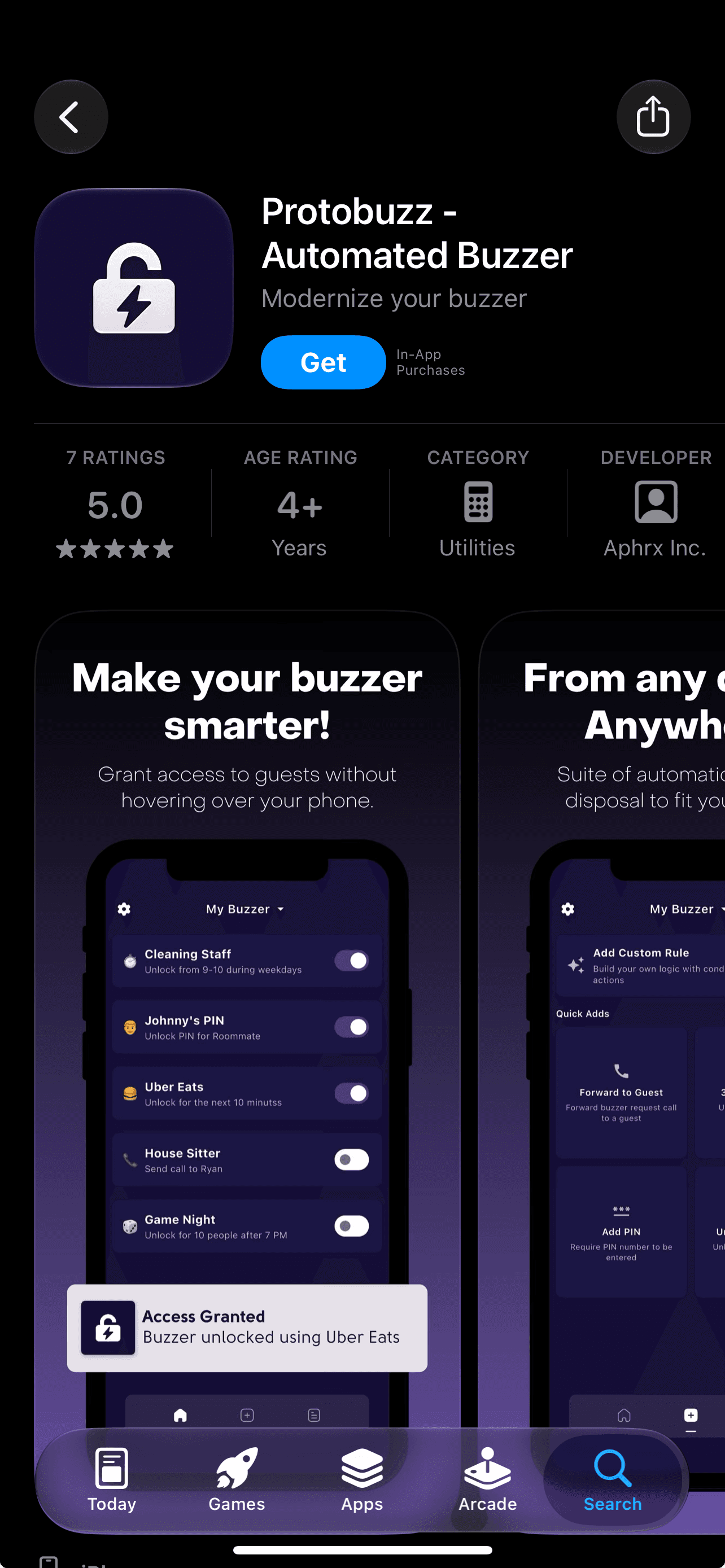
Get Protobuzz from the App Store or Google Play, open the app and create your account.
Start with Community for a free buzzer number, passcodes, timers and access-count rules. You can choose a paid plan later if you need more controls.


2. Create your buzzer number
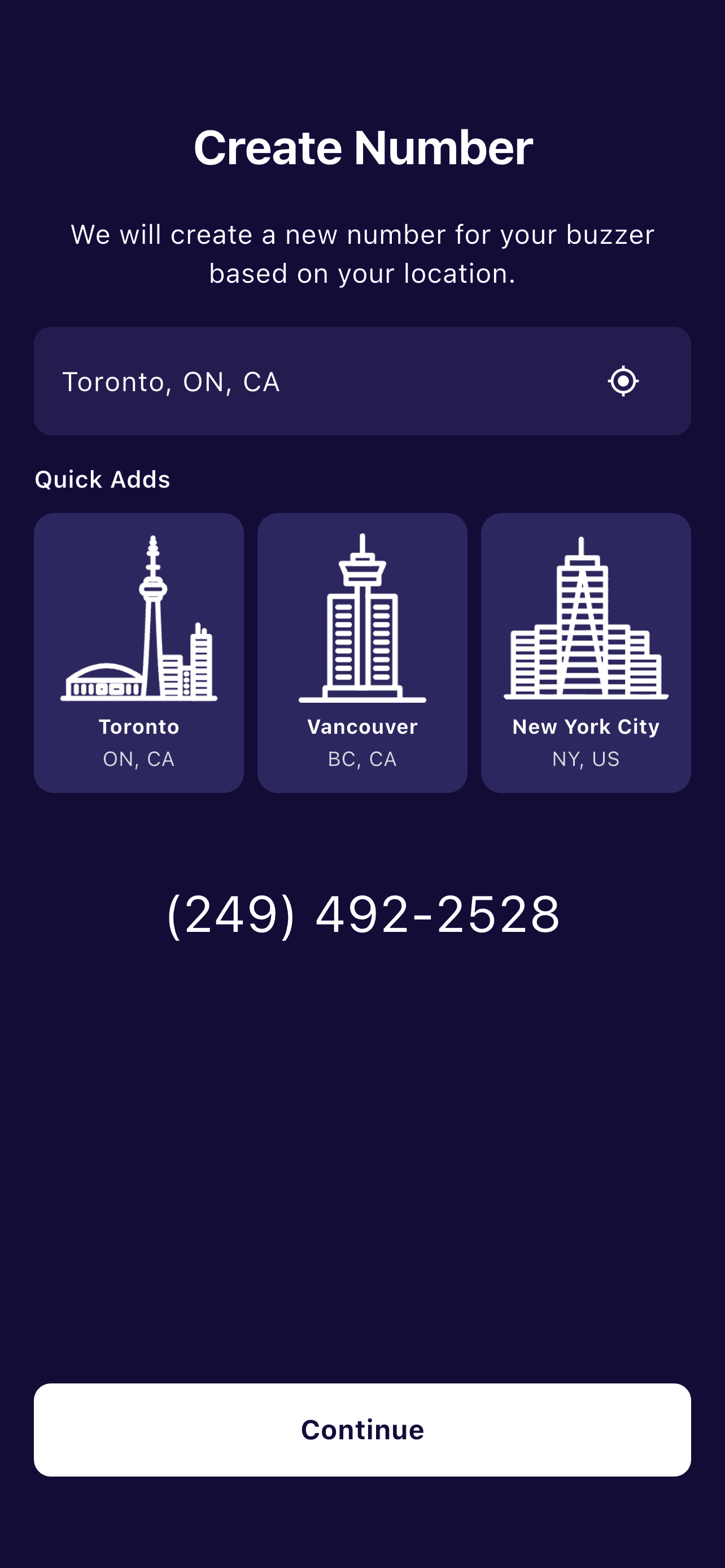
Choose your location in the app to create your Protobuzz number. Copy the assigned number and share it with the person who manages your building’s buzzer directory.
Ask management to replace your unit’s current buzzer phone number with your new Protobuzz number. Confirm when the update is live so you know when to test at the entrance.
3. Create your first rule
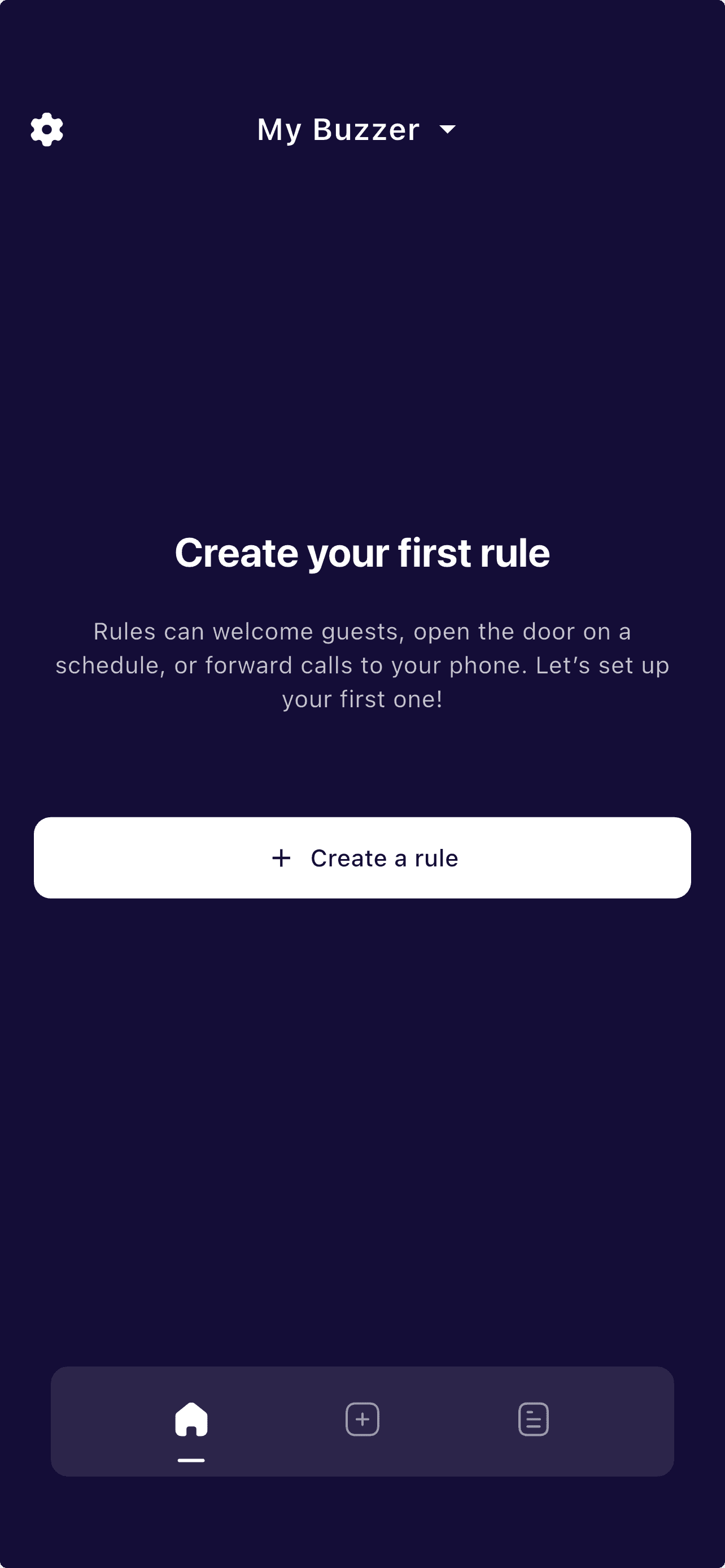
Tap Create a rule to configure call forwarding or guest access. Start with a passcode, timer or access-count condition. Standard adds schedules and automatic entry; Premium adds Google Calendar sync.
Once the directory is updated, test a live buzzer call and door release. Check allowed and denied guest attempts, then review History before relying on the setup for deliveries or sharing it with guests.
Setup FAQs
Protobuzz answers the most common questions about smart buzzer access, subscriptions, and getting started below.
Buzz smarter. Live easier.