Check the connection first
Ask whether the lobby panel dials an external phone number. A Mircom or Enterphone brand name alone does not establish compatibility; the model and connection matter.
Check your building's phone connection, arrange a directory update and test the door release before relying on guest automations.


Ask whether the lobby panel dials an external phone number. A Mircom or Enterphone brand name alone does not establish compatibility; the model and connection matter.
Ask management which number formats the panel accepts and when they can update your unit's entry. Test an assigned number from the lobby before retiring your old route.
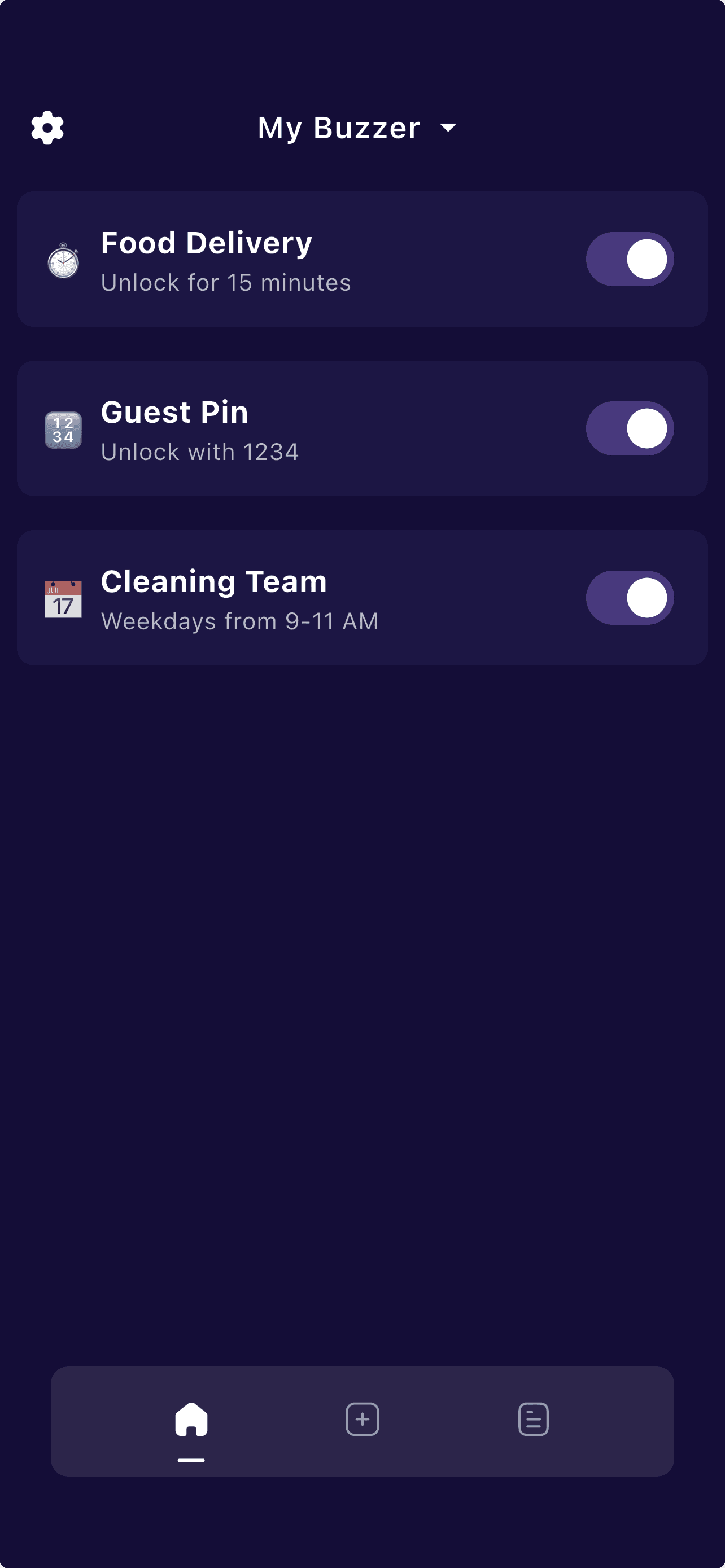
Community includes passcode, timer and access-count conditions. Standard adds schedules and automatic grant access; Premium adds Google Calendar sync.
A working phone-based buzzer can keep its existing panel and door release. Protobuzz changes how calls and visitor rules are handled; it does not add a camera or repair a faulty speaker or lock.
For a Toronto household, start with one entrance and one visitor routine. Test live calls first, then an allowed code, an expired code and access outside your schedule.
Agree on visitor instructions and remote-entry permissions with your property manager. Product features do not establish building approval or compliance with a particular privacy or security requirement.
The examples below are planning scenarios for Toronto households, not reports of customer deployments. Validate each step at your actual entrance.
If your panel rejects an out-of-area number, use the Toronto local-number troubleshooting guide before requesting a directory update.
If a panel rejects a resident's number, ask management to compare its stored format with a working local number. Confirm the dial plan and test the assigned Protobuzz number; a Toronto area code alone is not proof it will work.
Before a directory update, agree on who receives visitor calls and how guests should identify the unit. Test forwarding and the release key from the lobby, then check what happens when nobody answers.
On Standard, create a limited weekly access schedule and test it inside and outside the permitted window. If your cleaner's visits are calendar-led, evaluate Premium's Google Calendar sync.
Start with the compatibility checker and setup guide. A shared brand name or neighborhood does not guarantee panel compatibility.
In a public Canadian App Store review dated October 3, 2025, Melissa Vermette describes editing the release-key field for a building that uses the star key, then successfully using it. She also describes timed visitor access and forwarding calls to another phone.
“My building uses a star key for entry”
This is a customer-reported experience, not an independently tested compatibility claim. The review does not establish a Toronto location or guarantee support for another panel.
Read Melissa Vermette’s “Easy, versatile, great support!” review on the Canadian App Store. Source checked October 17, 2026.
Protobuzz answers the most common questions about smart buzzer access, subscriptions, and getting started below.
Send the intercom model, whether it currently calls a phone, the number format it accepts and your intended visitor routine for a compatibility review.