Phone-buzzer compatibility
Confirm the panel can dial an external number and management can update the directory destination.
Check the existing connection and coordinate with your property manager before adding remote-entry rules.


Confirm the panel can dial an external number and management can update the directory destination.
Standard adds schedules and automatic grant access for trusted visitors. Test the allowed window and its expiry at the entrance.
Give visitors the correct entrance, unit and arrival instructions. Arrange any English and French instructions your household needs.
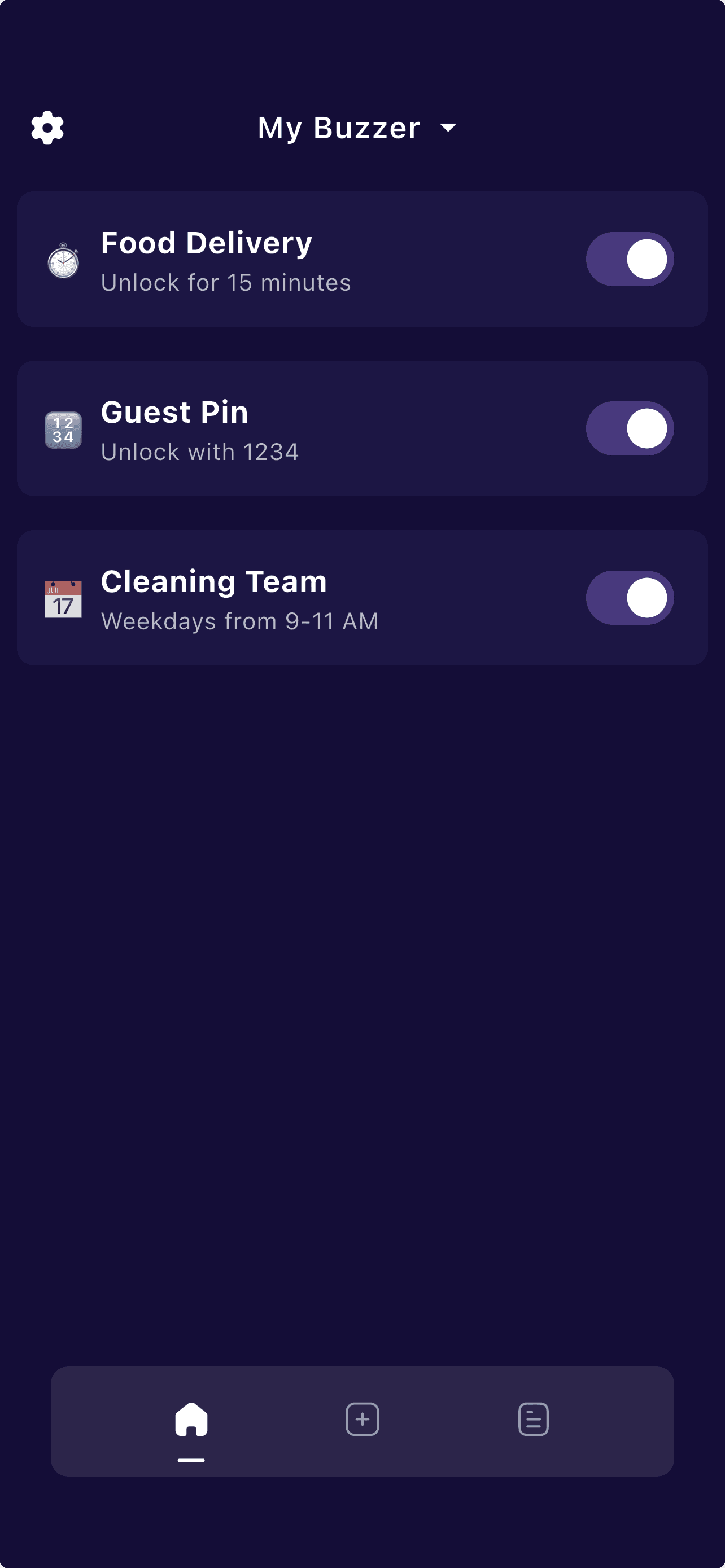
Residents with a compatible working phone buzzer can add visitor rules while retaining the existing panel and release mechanism.
Review activity history when investigating a missed call or an automation. Do not treat app history as proof of physical entry or as a certified security audit record.
Agree with management on the directory-change time and test the lobby route before retiring an old buzzer service.
For a shared residential and commercial entrance, confirm which door the buzzer releases and who can authorize guest access.
Check whether your entrance uses an external phone call or an in-unit handset before choosing software automation.
Start with the compatibility checker and setup guide. A shared brand name or neighborhood does not guarantee panel compatibility.
Protobuzz answers the most common questions about smart buzzer access, subscriptions, and getting started below.
Share your panel model and current call behaviour for a compatibility review before changing the directory number.